Invitation - Twinkle Little Star Teddy Bear Shower
Twinkle Little Star Baby Shower Invitation | Teddy, editable Canva template
Create your own bundle & save up to 60%
Couldn't load pickup availability
Welcome a baby girl with a dreamy Twinkle Twinkle Little Star invitation. A teddy bear on a crescent moon, fluffy clouds and soft gold stars create a gentle celestial design.
Why you'll love it
- A teddy bear on a crescent moon, clouds and soft gold stars.
- Personalize the wording and event details in Canva.
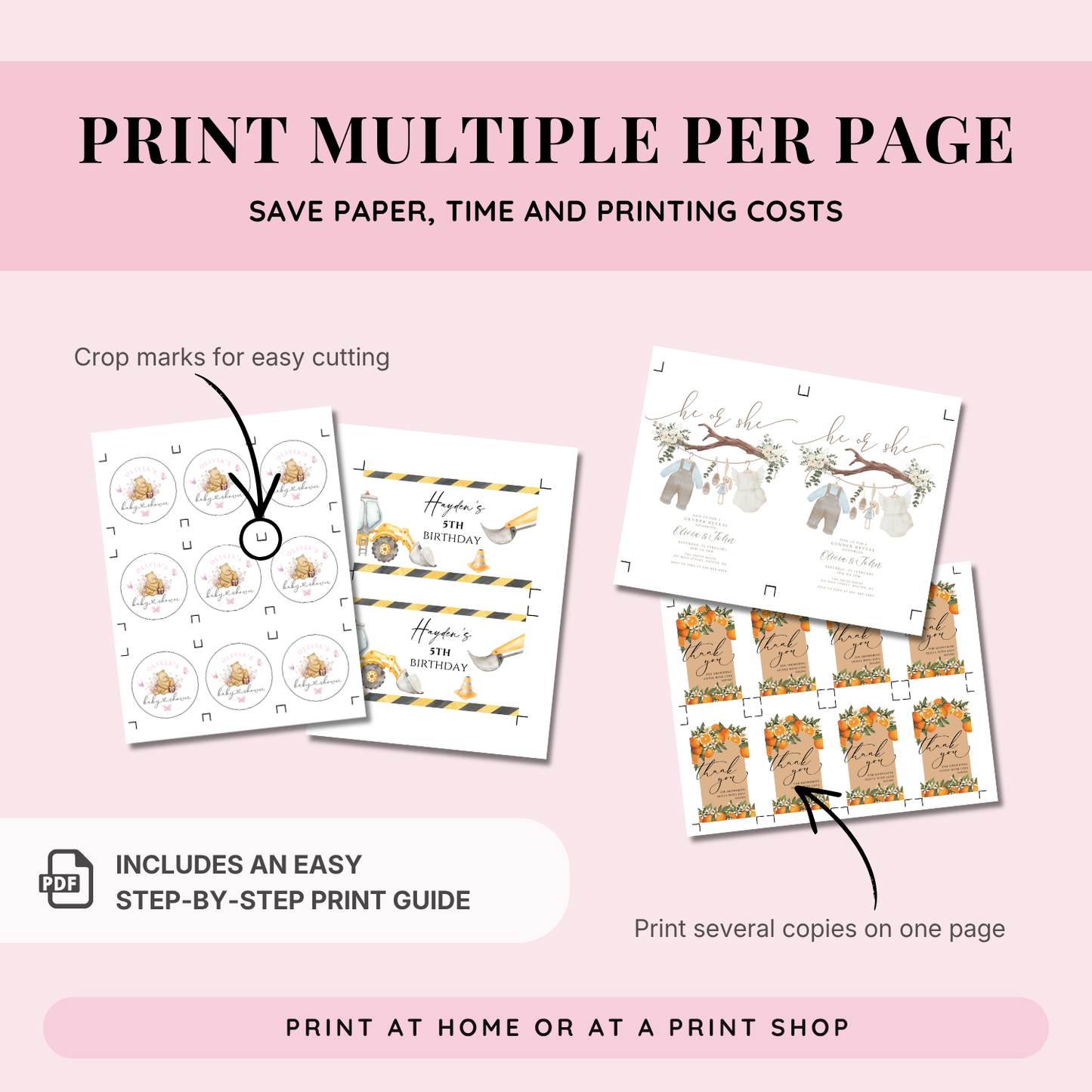
- The 5x7-inch format is ready to print, and a multiple-print guide is included.
How it works
- Open the Canva template link supplied after purchase.
- Customize the wording and event details.
- Download your finished invitation to print or send digitally.
Please note: Digital product only. No physical item will be shipped.
Download → Edit → Print or send
What's included
What's included
• Step-by-step Canva editing guide
• Print guide for easy home printing
How it works
How it works
1. Purchase the template
2. Download the PDF file instantly after checkout
3. Click the link inside the PDF to open your template in Canva
4. Edit the text, colors, and details (if needed)
5. Download your design and print or send digitally
No design experience needed – everything is simple and beginner-friendly.
Important info
Important info
What's editable?
• Text: All text content, colors, and fonts can be customized.
• Swashes (Letter Tails): Text with decorative tails is editable, but please note that the decorative effect will be lost if the text is changed.
• Graphics: Backgrounds and illustrations are locked and cannot be edited or moved.
• Format: The size and orientation of the template are fixed and cannot be changed.
• This is a digital product - no physical items will be shipped
• Edit your template for free in Canva (no subscription needed)
• Works on phone, tablet, and computer
• No software download required
• You can print at home, at a print shop, or send digitally
• Colors may vary slightly depending on screen and printer
FAQ
FAQ
1. How do I access my template after purchase?
You’ll receive a PDF-file instantly after checkout with a link to your Canva template. Simply click the button labeled with your prefered template size to start editing.
2. Do I need Canva Pro?
No, editing your template in Canva is FREE.
3. Can I edit on my phone or tablet?
Yes, but for the best experience we recommend editing on a desktop or laptop.
5. How / where can I print my design?
You can print at home, at a local print shop (like Staples or FedEx), or upload your file to an online printing service.
4. Can I use this template more than once?
Yes! You can edit and reuse your template as many times as you like.
5. Can I use these templates with Avery labels?
Our templates are not specifically formatted for pre-cut Avery products. However, you can download your finished design as a PDF or PNG and manually upload it to the Avery Online Designer to align it with your specific label sheet.
Terms of Use & Refund Policy
Terms of Use & Refund Policy
Digital Nature: This is a digital product. No physical item will be shipped. Due to the immediate access to digital files, we cannot offer refunds, exchanges, or cancellations.
Personal Use Only: Purchase of this template grants you a license for personal use. You may print and use it for your own events as many times as you wish.
Prohibited Uses: You may not resell, redistribute, use these designs for commercial purposes or share the original Canva link or the template in its editable form. Commercial use or sub-licensing is strictly prohibited.
Design Protection: The intellectual property of the design remains with Your Printable Party. By purchasing, you agree to these terms.
© Design is Copyrighted by YourPrintablePartyCo