


1st Birthday Invitation Bear-y for Boys
A teddy bear, blue heart balloon and clean minimal layout · Editable in Canva
4.9 · 9,007 sales on EtsyInstant download · Edit in free Canva · Print or send by text
Couldn't load pickup availability
- Your PDF with the Canva link arrives by email and on the thank-you page right after payment. Nothing is shipped.
- Questions? A real person replies within 24 hours on weekdays.
- New to Canva? Try the free practice template first →
Invitations, games and signs in the same design. Get 3+ templates and save 25%, 5+ and save 35% – applied automatically.
This first birthday invitation pairs a teddy bear with a blue heart balloon for a Bear-y First celebration. The clean, minimal layout gives the design a simple modern look, keeping the focus on the bear illustration and your little boy's birthday milestone.
The digital Canva template lets you personalize the available wording and event details for your party. Your finished invitation can be printed or shared digitally, so the same blue-balloon teddy design can introduce the celebration to guests on paper or on screen.
What's included
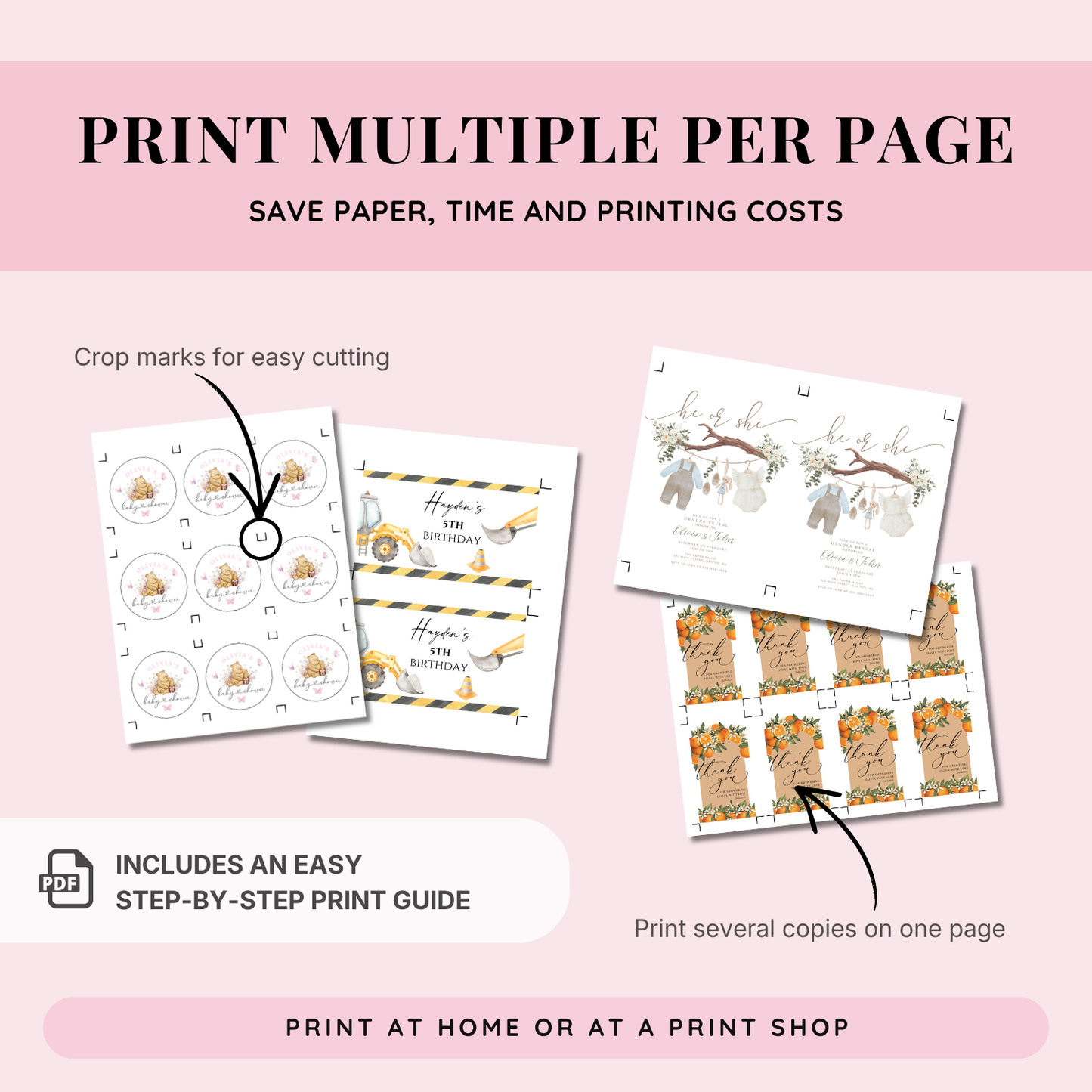
- The 5x7-inch format is ready to print, and a multiple-print guide is included.
How it works
- Open the Canva template link supplied after purchase.
- Customize the wording and event details.
- Download your finished invitation to print or send digitally.
Digital product: No physical item will be shipped.
What's included
What's included
See the product description for the included files and any editing or printing guides.
How it works
How it works
1. Purchase your digital design.
2. Follow the download instructions provided after purchase.
3. Editable Canva templates: open the supplied template link and customize the details described above. Ready-to-print PDFs: use the supplied design as shown; no editing is required.
4. Print at the included size, then trim or assemble as needed. Invitations can also be shared digitally where stated in the product description.
Important info
Important info
Digital product only
No physical item will be shipped.
Editing options
Not all products are editable. Check the product description for the file format and editable details. Some Canva design elements, sizes and orientations may be fixed. Ready-to-print PDF designs are supplied as shown.
Printing
Use the sizes and layouts included with your product. Colors may vary slightly depending on your screen, paper and printer.
FAQ
FAQ
How do I access my purchase?
Follow the download instructions provided after purchase. If your product includes a Canva template, use the supplied template link to open it.
Can I edit this design?
Only products described as editable include editing options. Check the product description for what can be changed. Ready-to-print PDFs are supplied as shown.
Where can I print my design?
Print at home, use a local print shop, or upload your file to an online printing service. Use the included size and follow any product-specific instructions.
Can I send it digitally?
Invitations may be shared digitally where stated in the product description. Decorations, banners and labels are designed for printing.
Are the labels made for pre-cut Avery sheets?
Unless the product description explicitly says so, the files are not formatted for pre-cut Avery sheets.
Terms of Use & Refund Policy
Terms of Use & Refund Policy
Digital Nature: This is a digital product. No physical item will be shipped. Due to the immediate access to digital files, we cannot offer refunds, exchanges, or cancellations.
Personal Use Only: Purchase of this template grants you a license for personal use. You may print and use it for your own events as many times as you wish.
Prohibited Uses: You may not resell, redistribute, use these designs for commercial purposes or share the original Canva link or the template in its editable form. Commercial use or sub-licensing is strictly prohibited.
Design Protection: The intellectual property of the design remains with Your Printable Party. By purchasing, you agree to these terms.
© Design is Copyrighted by YourPrintablePartyCo
Questions or need help?
Questions or need help?
Everything about downloading, editing in Canva and printing is in our guide. If something does not work, write to us – a real person replies within 24 hours on weekdays.


Loved by our customers on Etsy
-
“This design was perfect for the baby shower I am hosting. We were able to edit easily using Canva and then use as an Evite. So many compliments on the card. Thank you.”
-
“Digital Download was perfect, was able to use the template to personalize on Canva, download, and have printed at a local printshop.”
-
“Great template and easy to follow instructions on how to edit! Highly recommend.”
-
“Easy to access, edit, and download. It was perfect for our guests who are not tech savvy.”
-
“Darling Invite! Super easy to edit and add my own information. Everyone loved the invitation and it was perfect for our cowgirl mom to be!”
-
“This was the perfect invite for my daughter’s 1st Birthday Party! It was very easy to edit and print at a local store.”
Real reviews from buyers in our Etsy shop, shown word for word. Read more customer reviews See our reviews on Etsy (opens in a new tab) ↗
Complete the set
Matching pieces in the same design, so your invitations, signs and games all look like they belong together. Get 3+ templates and save 25%, or 5+ and save 35%, applied automatically.